
Pixilart - Make Pixel Art
Dibujo de píxeles y plataforma social para todos.
El desarrollador oficial de Pixilart - Make Pixel Art es Pixilart; LDPlayer solo ofrece el servicio de descarga del APK.

Visión general

FAQ
Ejecutar Pixilart - Make Pixel Art en PC con LDPlayer
Pixilart - Make Pixel Art es una aplicación de Arte y Diseño desarrollada por Pixilart que se puede ejecutar en dispositivos móviles, pero con el mejor emulador de Android, LDPlayer, puedes descargar Pixilart - Make Pixel Art en tu computadora y disfrutarlo plenamente.
Al ejecutar Pixilart - Make Pixel Art en tu computadora, puedes ver claramente en una pantalla grande, y controlar la aplicación con el ratón y el teclado es mucho más rápido que con el teclado táctil, además, nunca tendrás que preocuparte por la duración de la batería de tu dispositivo.
Con la función de multi-apertura y sincronización, incluso puedes ejecutar múltiples aplicaciones y cuentas en tu PC.
Además, la función de transferencia de archivos facilita el intercambio de imágenes, videos y archivos.
Descarga Pixilart - Make Pixel Art y ejecútalo en tu PC. ¡Disfruta de la pantalla grande y la alta calidad de imagen en tu PC!
Create pixel art on the go. Pixilart is a community of passionate art enthusiasts who enjoy pixels. Easily make pixel art, and then share your art and even follow others who have created their own pixel art creations.Become part of the largest pixel art community and understand why Pixilart is a growing community for feedback, sharing, art and more! It's fun and easy to create pixel art on the go with Pixilart. Simply move your finder across the screen to move the cursor and click on draw to lay pixels. Use blank canvases or choose from a variety of bases created by other users.
KEY FEATURES
• Create pixel art on the go with our easy-to-use drawing feature
• Create from bases or blank canvases
• Create profiles to upload drawings in the cloud for easier access on different devices
• Upload drawings in private, or in public so others can see
• Share drawings with others for feedback or simply to show off!
• Receive notifications from likes, comments, mentions, and new followers
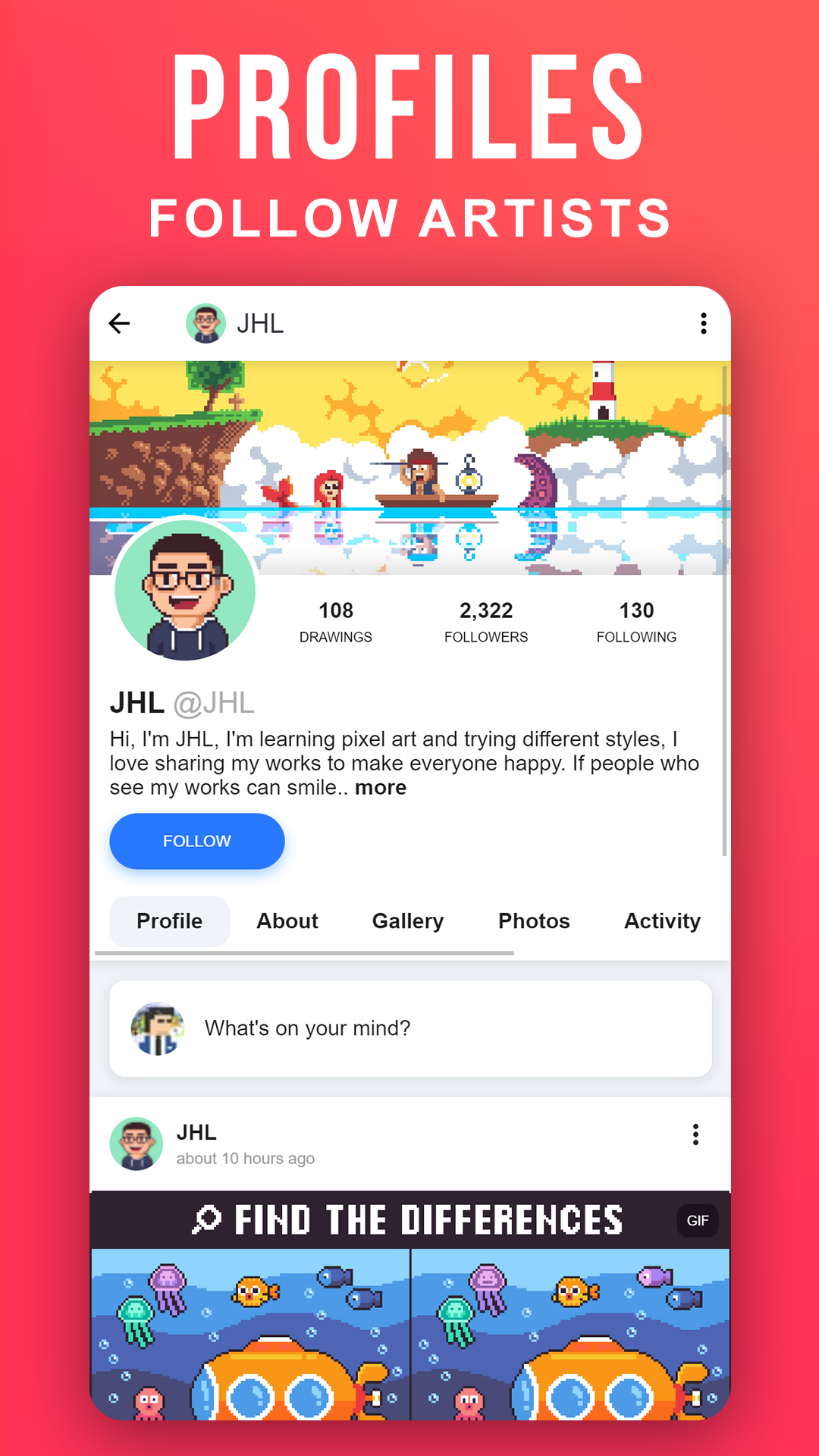
• Follow your favorite artists on activity feeds
PARENT INFORMATION
Pixilart is a social platform for all ages. There is no private messaging system. All conversations are public. Swearing filters are enabled by default. Spam filters are enabled by default. Users can easily block/un-follow others. All drawings are monitored.
SUBSCRIPTIONS
There are no subscriptions
Capturas de pantalla y videos de la versión para PC de Pixilart - Make Pixel Art


¿Cómo descargar y ejecutar Pixilart - Make Pixel Art en PC?
 1
1Descarga e instala LDPlayer en tu computadora.
 2
2Encuentra Play Store en las aplicaciones del sistema de LDPlayer, inícialo e inicia sesión en tu cuenta de Google.
 3
3En el cuadro de búsqueda, ingresa y busca Pixilart - Make Pixel Art.
 4
4Selecciona y instala Pixilart - Make Pixel Art de los resultados de búsqueda.
 5
5Una vez completada la descarga e instalación, regresa a la página de inicio de LDPlayer.
 6
6Haz clic en el ícono del juego en la página de inicio de LDPlayer para comenzar a disfrutar del juego.


