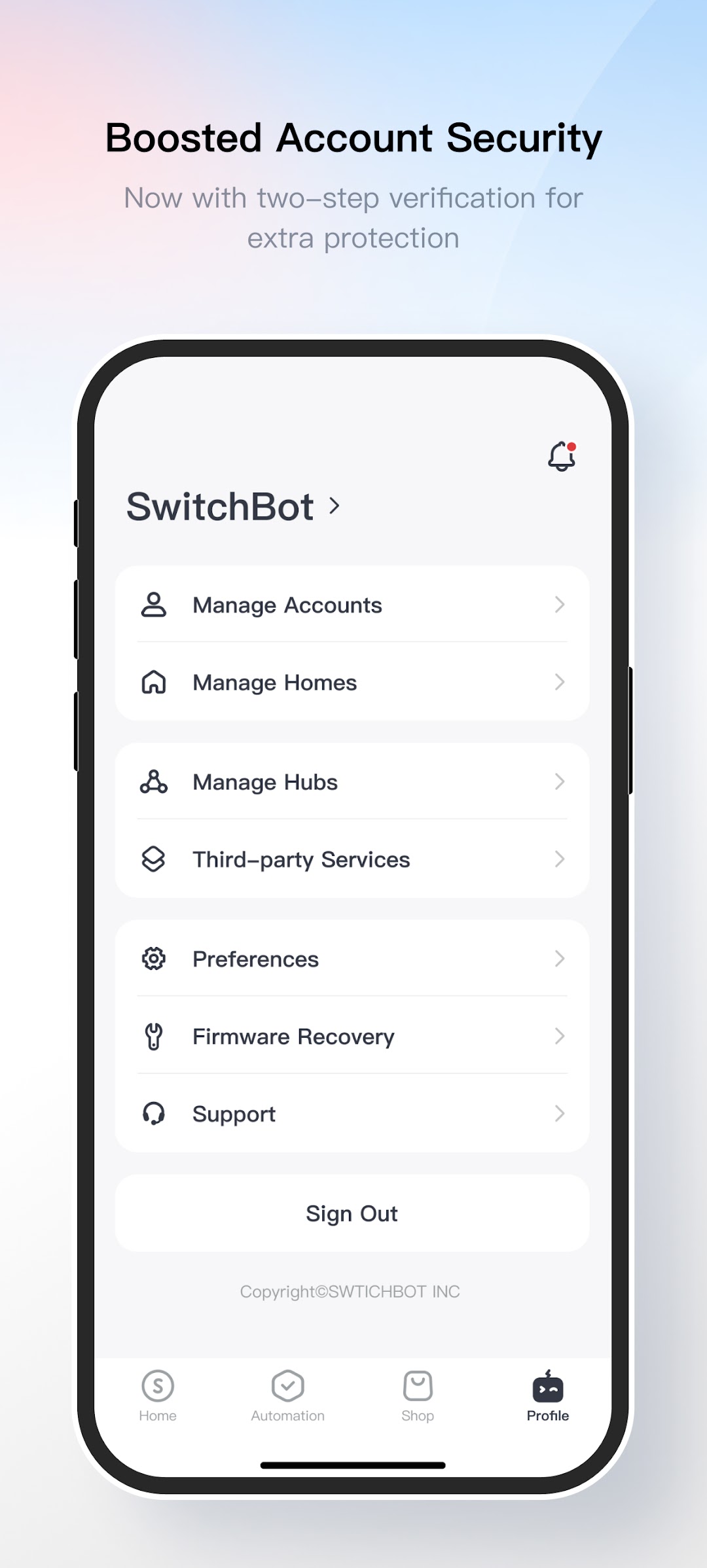
SwitchBot es una aplicación de Estilo de vida desarrollada por SWITCHBOT INC que se puede ejecutar en dispositivos móviles, pero con el mejor emulador de Android, LDPlayer, puedes descargar SwitchBot en tu computadora y disfrutarlo plenamente.
Al ejecutar SwitchBot en tu computadora, puedes ver claramente en una pantalla grande, y controlar la aplicación con el ratón y el teclado es mucho más rápido que con el teclado táctil, además, nunca tendrás que preocuparte por la duración de la batería de tu dispositivo.
Con la función de multi-apertura y sincronización, incluso puedes ejecutar múltiples aplicaciones y cuentas en tu PC.
Además, la función de transferencia de archivos facilita el intercambio de imágenes, videos y archivos.
Descarga SwitchBot y ejecútalo en tu PC. ¡Disfruta de la pantalla grande y la alta calidad de imagen en tu PC!
You can control SwitchBot Bot with just a tap using your smartphone. And if that’s not enough, schedule your appliances to turn on or off according to how life suits you with SwitchBot Hub Mini. Need to keep an eye on the environment around you? Monitor you surroundings to make sure life is comfortable with SwitchBot Thermometer and Hygrometer.And that’s just the beginning. Purchase any SwitchBot device to make home life smart and simple, and download our app to get started today.
For Wear OS users, you can monitor device statuses and gain quick access to device controls in tiles. You can control devices and trigger smart scenes through Wi-Fi or cellular data.
And that’s just the beginning. Purchase a SwitchBot device and download the app to get started today.
Stay tuned for updates as we add new features and new products in the SwitchBot family.
- Website: switch-bot.com
- Facebook: @SwitchBotRobot
- Instagram: @theswitchbot
- Twitter: @SwitchBot